What Should I do if I forgot my Password?
Edited
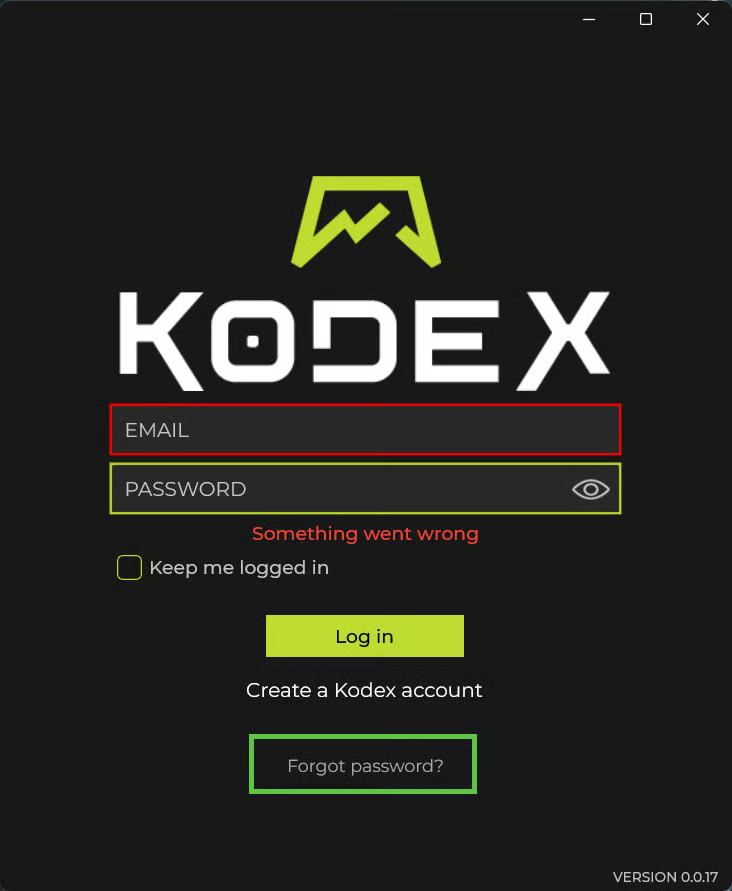
When you launch Kodex you will be prompted with the login screen.
Select the "Forgot Password?" link.
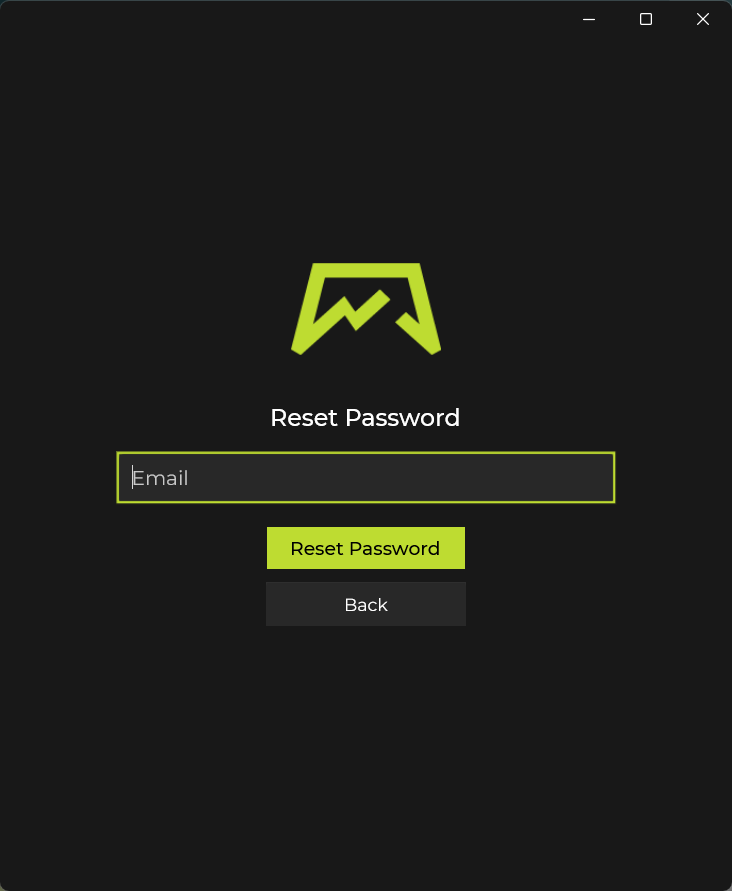
You will be prompted to enter the email address associated with your account. Provide the required information and submit the form.
Follow the instructions in the email to reset your password.
Return to the login page and enter your email along with your new password.
Note: If you use a password manager, update the stored password for this account with your new password. This will help ensure you do not forget your new password in the future.
Was this article helpful?
Sorry about that! Care to tell us more?